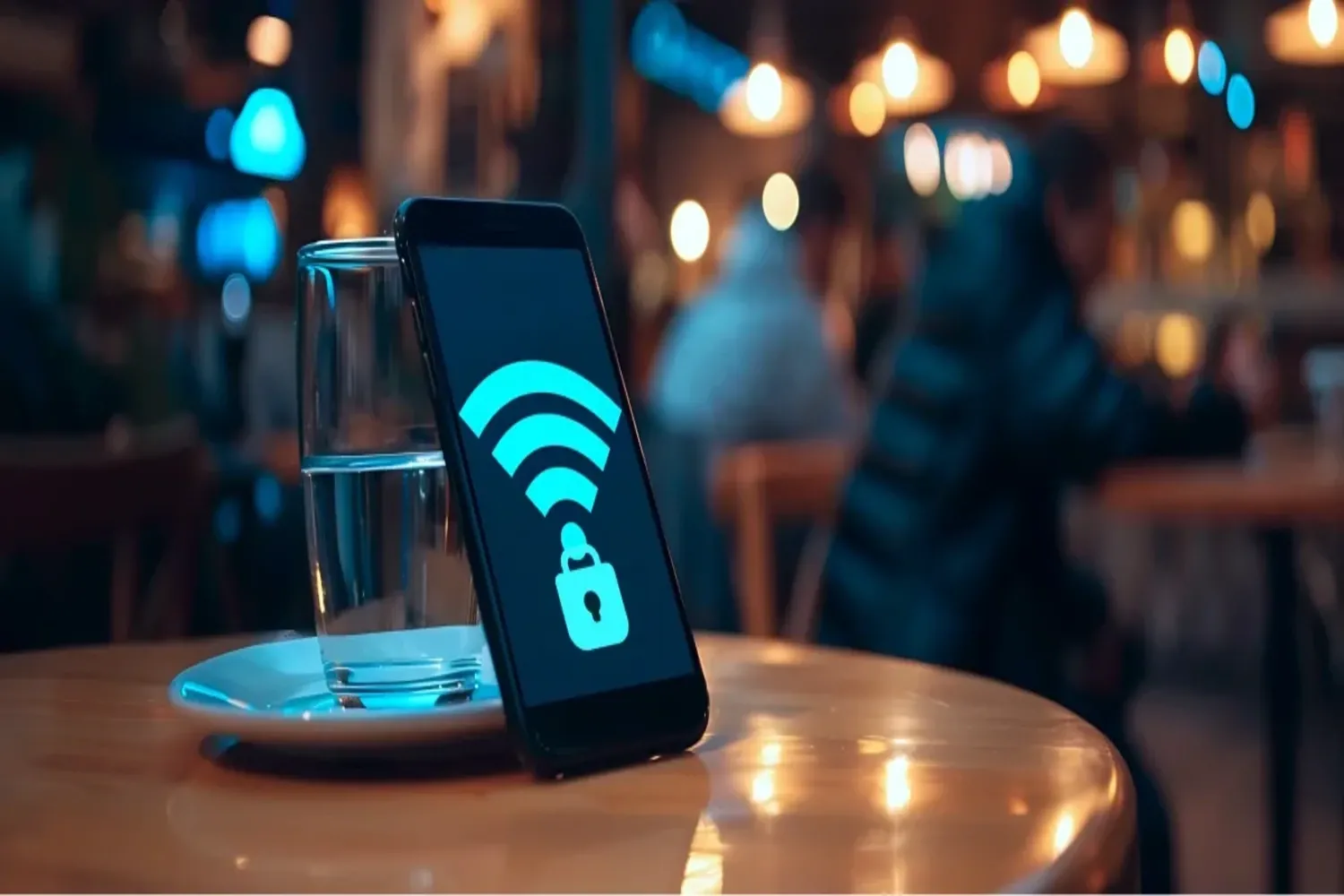
Free Wi-Fi in cafés — convenience or a trap for your data?
You walk into your favorite café in the city center, order a latte and automatically connect to the Coffee_Free_WiFi network.
Sounds familiar? But while you scroll through the news or check your work email, someone at the next table may be able to “see” your screen.
With over 8 years of experience in device configuration, we at SVC know: security starts not with complex software, but with the right habits.
Here are simple rules for using public Wi-Fi that will help you avoid unnecessary visits to a service center.
1. Why public Wi-Fi is dangerous
Open networks often lack proper encryption, which means your data can be intercepted without any hacking at all.
- Evil Twin network — a scammer creates an access point with the same name as the café’s Wi-Fi. Your phone connects automatically, and all traffic goes through the attacker’s device.
- Data sniffing — using special software, hackers can capture unencrypted passwords, card numbers, or private messages.
- Man-in-the-Middle attack — the attacker positions themselves between you and the website, replacing real pages (for example, a bank login) with fake ones to steal your data.
2. Three “golden rules” of security
Following a few simple rules significantly reduces risks even on public networks.
Rule #1: HTTPS only
Always check for the padlock icon in the browser’s address bar.
If a website starts with http:// (without the “S”), never enter passwords or card details there.
https:// means the connection is encrypted, but in public Wi-Fi networks it does not provide 100% protection.
Rule #2: Use a VPN
A VPN creates an encrypted tunnel for your data.
Even if traffic is intercepted, the attacker will only see random characters.
Tip from SVC: use trusted paid VPN services, as free VPNs often collect user data themselves.
Rule #3: Forget about online banking
Public Wi-Fi is not the place for:
- online banking
- online shopping
- logging into financial accounts
For such actions, switch to mobile 4G/5G internet, which is much harder to compromise.
3. Checklist: what to do right now
- Disable automatic Wi-Fi connection in your smartphone settings
- Remove all public networks from saved Wi-Fi lists (cafés, airports, train stations)
- Enable two-factor authentication (2FA) for all important accounts
Conclusion
Free Wi-Fi is convenient, but unsafe without proper precautions.
A few simple habits can protect your data, your money, and your peace of mind.
Need help securing your office or home network?
The SVC team will help you build a secure infrastructure that cannot be “eavesdropped on.”
Call us:
+38 (093) 66 44 339
Visit us:
Rivne, D. Halytskoho St., 19