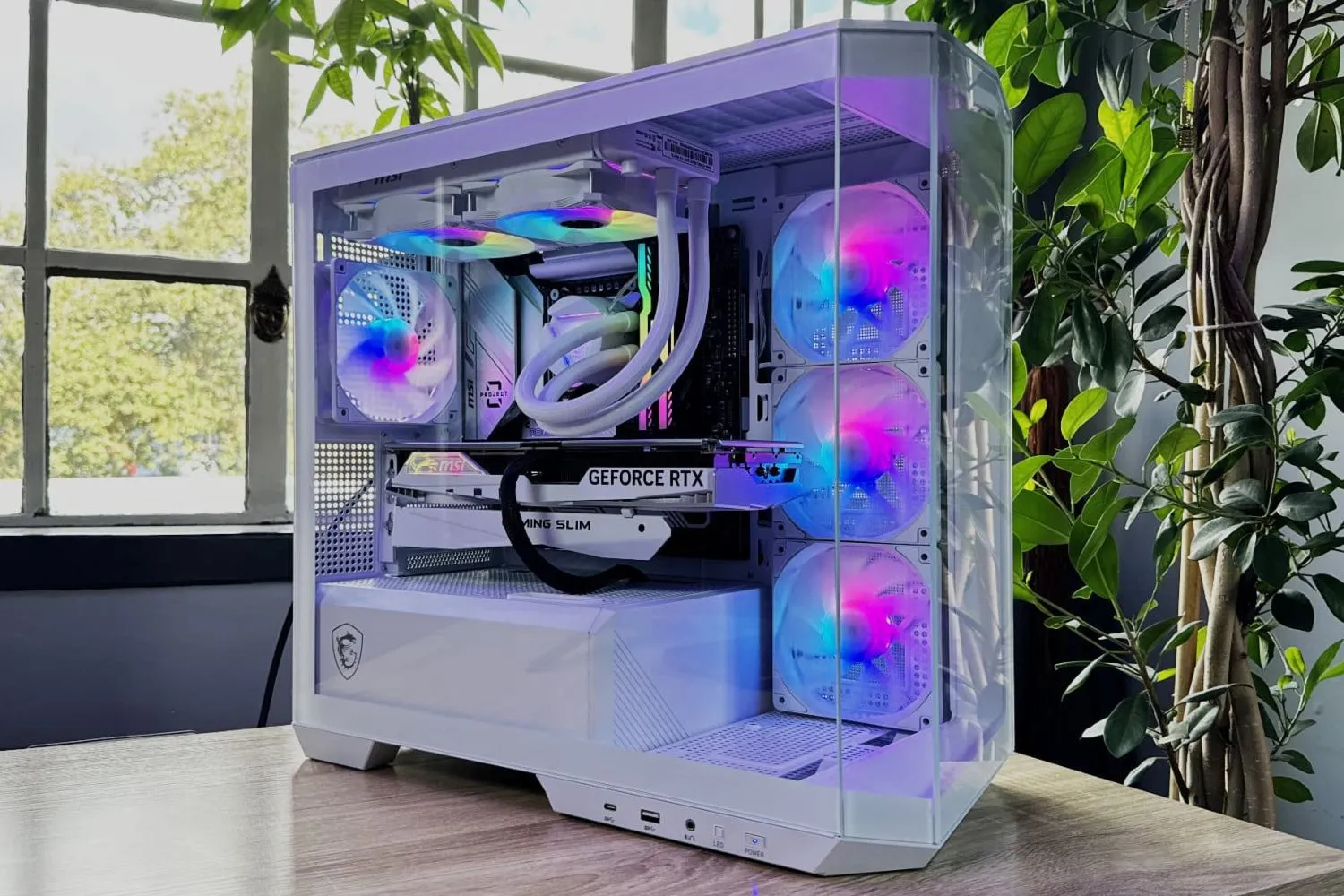
Upgrade or New PC? How to Get the Maximum from Your Hardware
Technology evolves faster than we can upgrade our equipment. However, a slow computer is not always a reason to buy a new device.
In many cases, a well-planned hardware upgrade can increase system performance by 30–70% for significantly less money. In this article, we’ll review the key components whose upgrades deliver the most noticeable results.
1. Switching to an SSD: Speed You’ll Feel Immediately
If your operating system still boots from a hard disk drive (HDD), this is the main bottleneck of the entire system.
Why it matters: Even an older processor performs much faster when data is delivered instantly.
Result: Windows startup in 10–15 seconds, instant application response, and no freezes when working with files.
2. RAM: The Modern Gold Standard
Today, 8 GB of RAM is the minimum for basic office tasks. For comfortable gaming or professional workloads, this is no longer enough.
- Capacity — the optimal upgrade is 16 GB or 32 GB
- Dual-channel mode — two memory sticks instead of one significantly increase bandwidth
- Especially important for AMD Ryzen processors
3. CPU Upgrade and BIOS Update
An upgrade does not always require replacing the motherboard. Often, the socket supports a more powerful processor from the same or even the next generation.
Example: Upgrading from a Core i3 to a Core i7, or moving to a newer Ryzen CPU on the same motherboard.
Important: Before upgrading, it is crucial to check VRM and power delivery compatibility and update the BIOS to ensure stable operation.
4. Graphics Card: The Key Upgrade for Gamers and Creators
If you experience low FPS in modern games or slow video rendering, a graphics card upgrade is the most effective improvement.
What to consider: Power supply capacity, required connectors (8-pin, 12VHPWR), and case clearance.
5. Cooling System and Thermal Interface
Sometimes an upgrade is not about replacing components, but about improving their working conditions.
- Efficient cooling — high-end air coolers or liquid cooling allow CPUs to maintain Turbo Boost longer
- Thermal paste replacement — a quality thermal interface can reduce temperatures by 10–15°C
Upgrade Priority Overview
| Component | Who Needs It | Result |
|---|---|---|
| SSD | All users | Fast OS boot and system responsiveness |
| RAM | Multitasking users | System stability and smooth operation |
| Graphics card | Gamers and video editors | Higher FPS and faster rendering |
| Power supply | High-performance upgrades | System safety and stability |
Conclusion
A hardware upgrade is an investment in performance. Instead of getting used to a slow computer, you can strategically improve the weakest parts of your system.
Not sure what’s slowing your PC down?
Bring it in for diagnostics.
We’ll run stress tests
and recommend an optimal upgrade plan
tailored to your budget.